My Spellings
Help your child practise their weekly spellings
- No ads
- No tracking

Learn your spellings with voice recognition and text to speech
My Spellings helps your child learn their weekly spellings at their own pace. Add a list by typing the words or saying them aloud, and the app turns it into a practice test that reads each word to them.
How it works
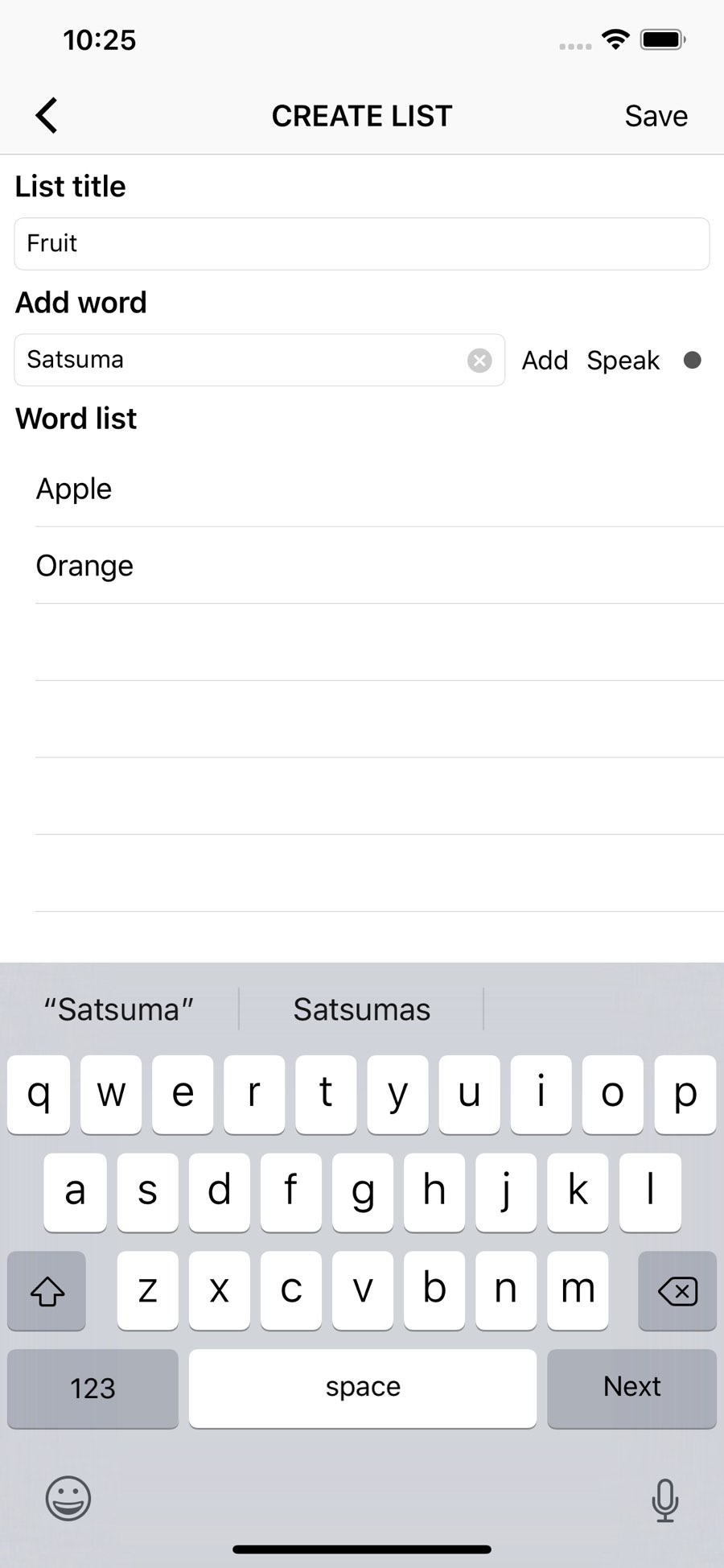
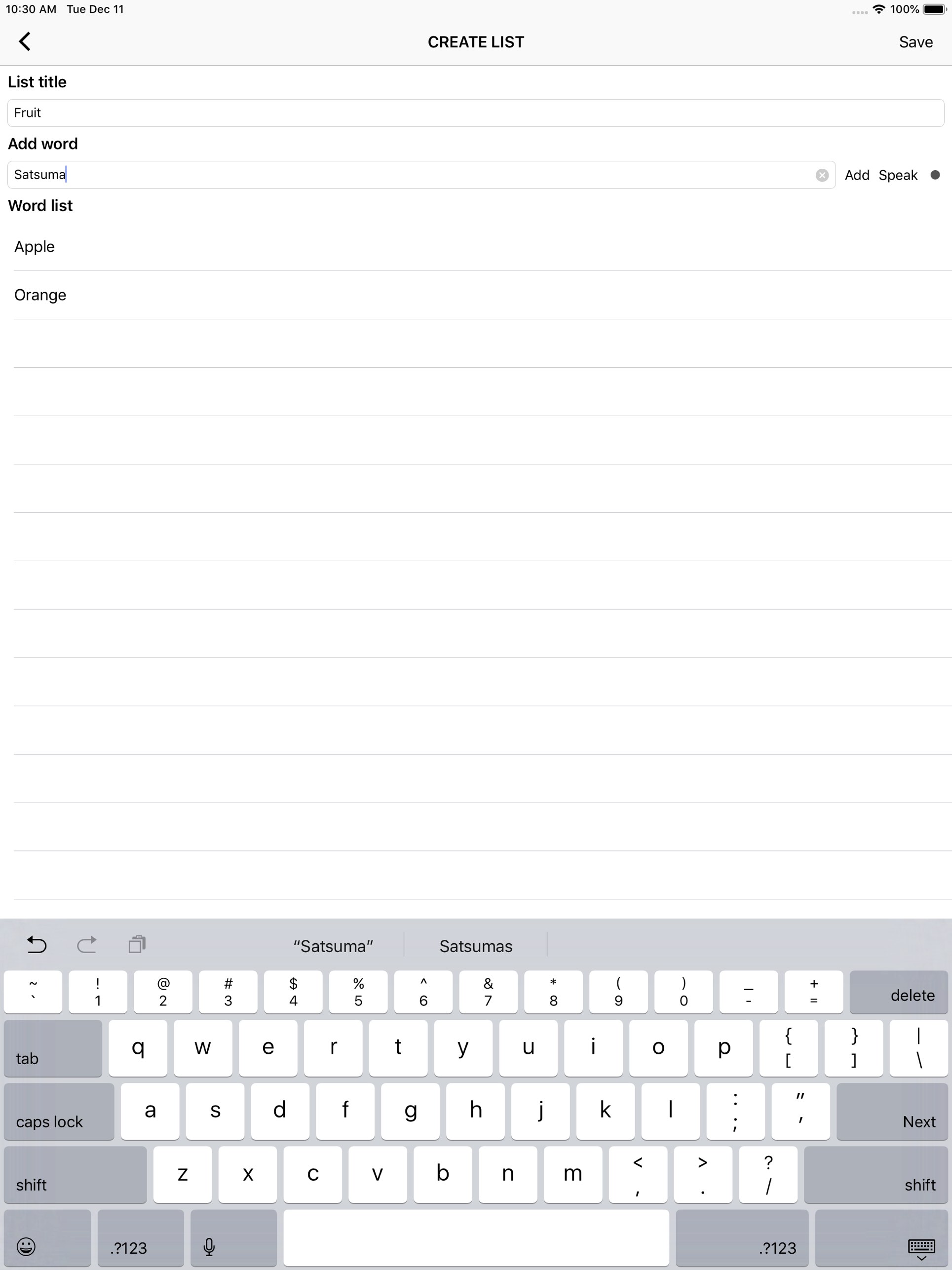
- Make a list. Type the words in, or dictate them using voice recognition.
- Practise. Tap a list and the app says each word in a random order. Your child types what they think the spelling is, and gets three attempts before the app moves on.
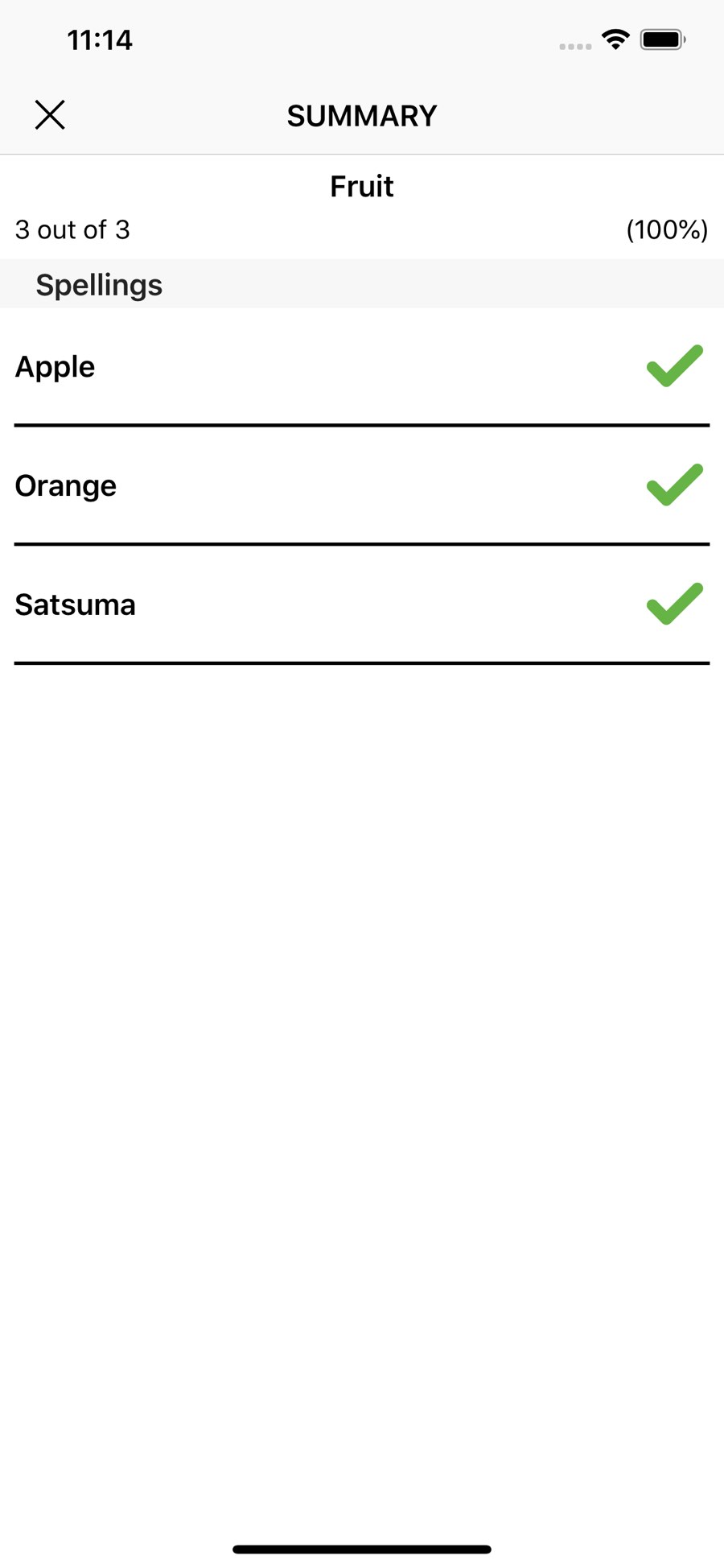
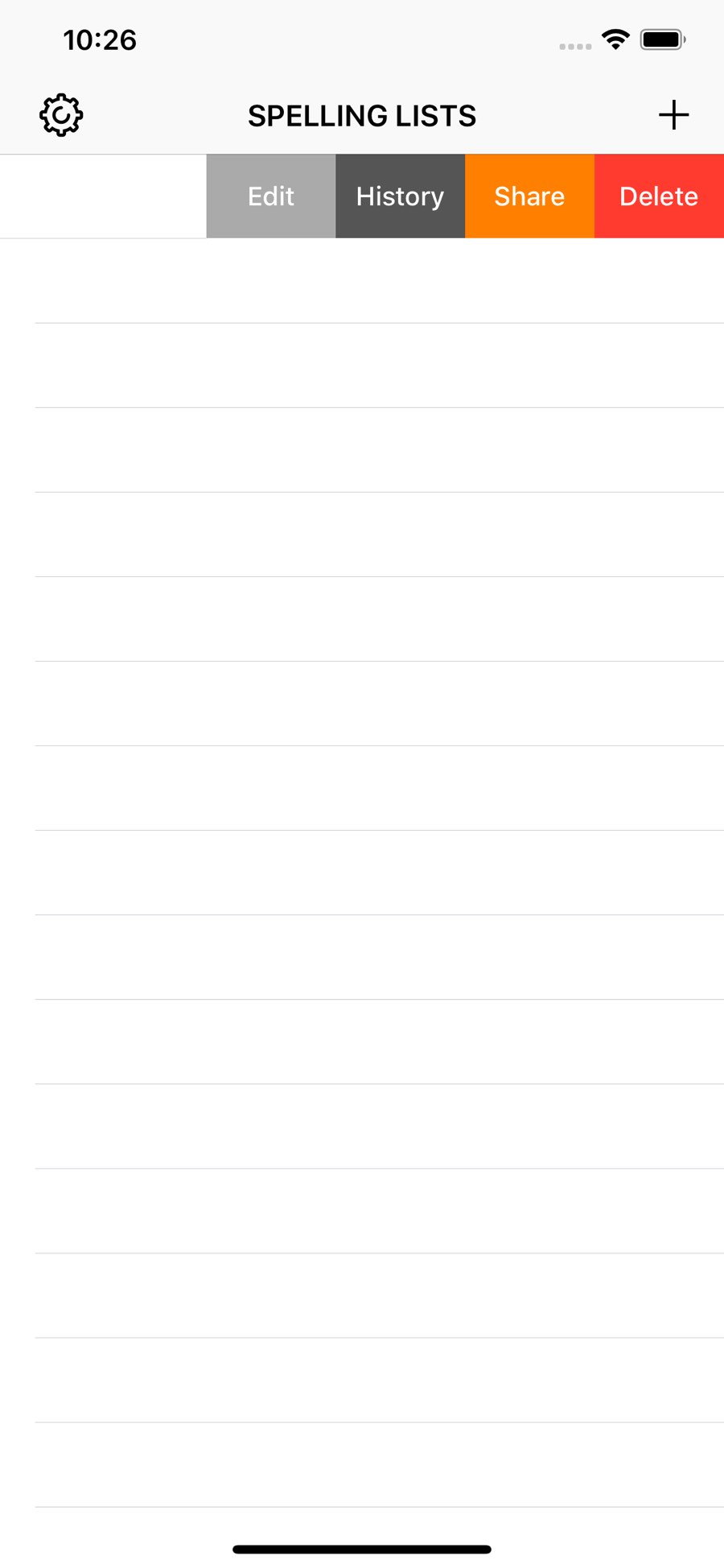
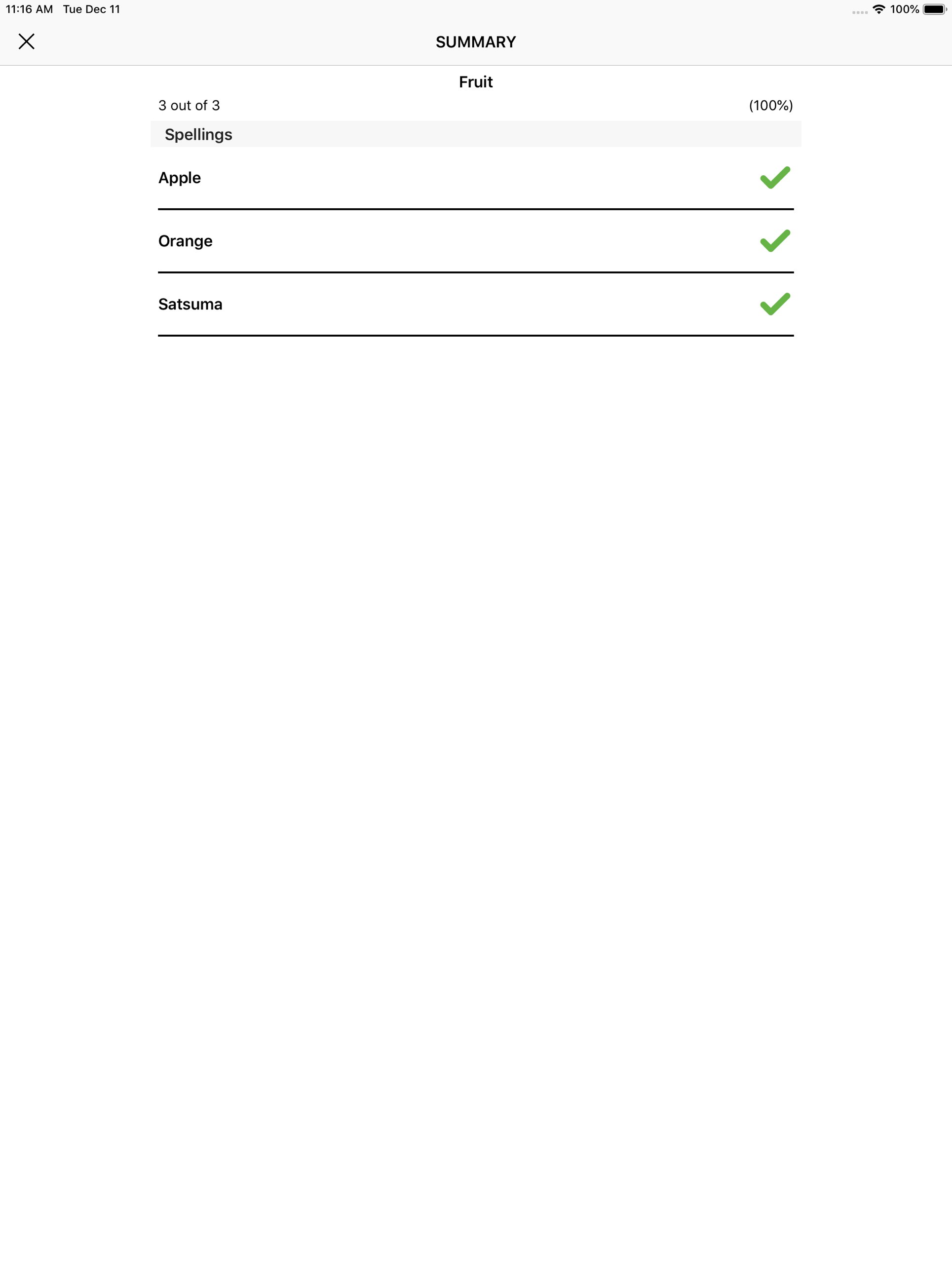
- See progress. The app keeps the results of the last 10 attempts at each list. Swipe a list and choose History to see how they’re improving.
- Share lists. Swipe a list and choose Share to send it to a friend. With AirDrop it opens straight into their copy of My Spellings, so they can learn the same words.
- Choose a voice. Pick the voice the app uses in Settings.
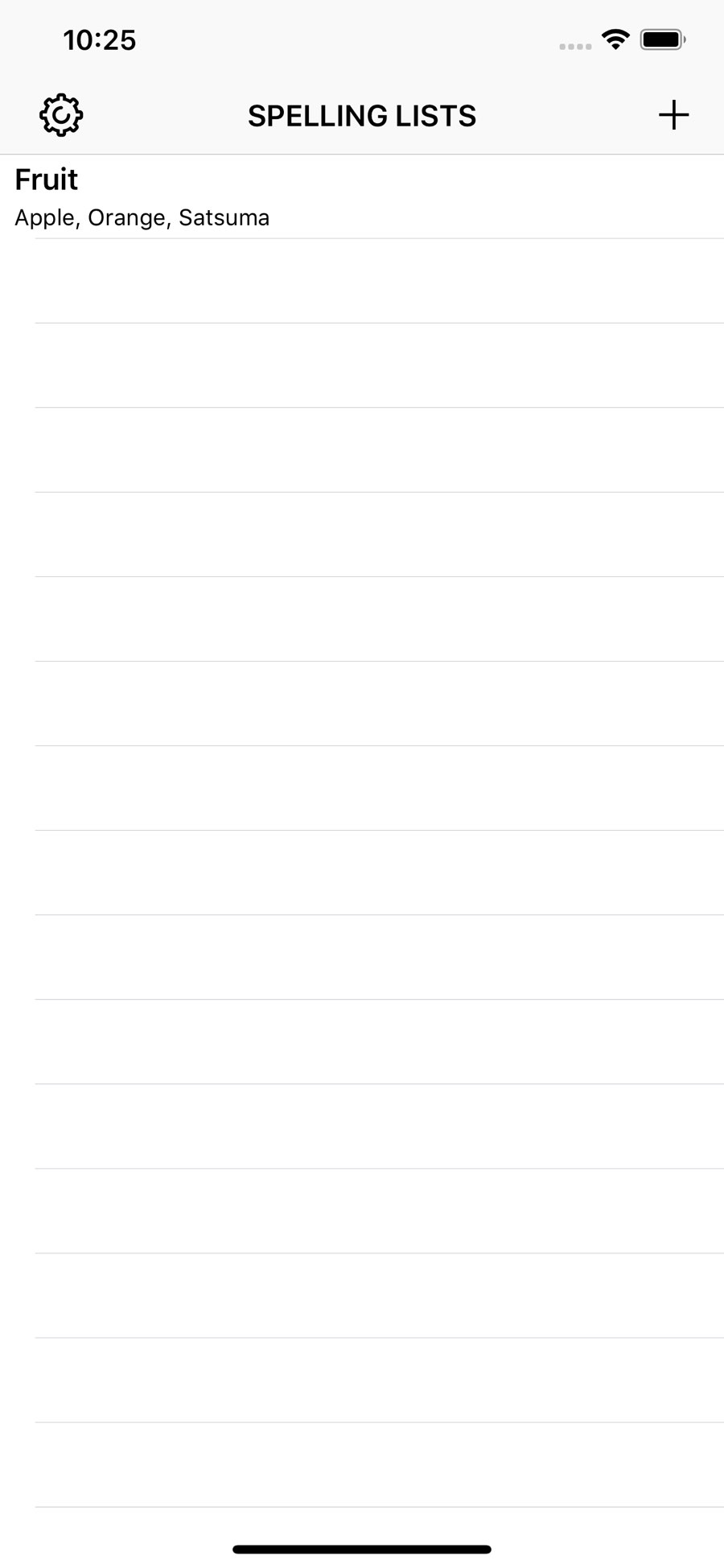
- Manage lists. Swipe a list on the main screen to view, edit, share or manage it.


Privacy Policy
This app does not include any tracking or cookies. We do not store any information about our users, make any kinds of network requests or allow open access to the Internet through the app.